Name Change in Aadhaar Card

Complete Guide for Aadhaar card name change

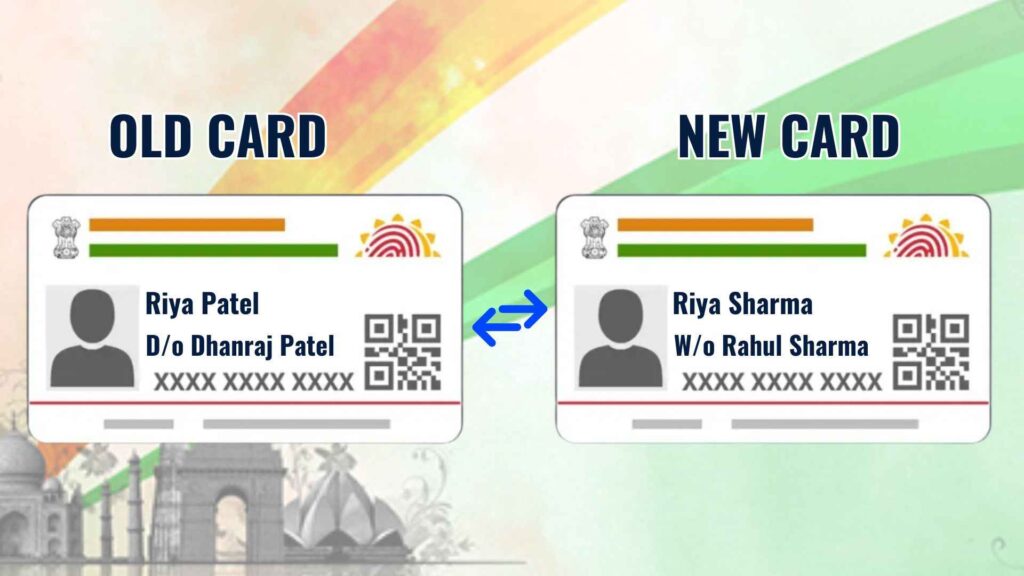
If you have legally changed your name due to marriage, divorce, or any other reason—such as a misspelled name or adding/removing a surname—it is extremely important to understand how to name change in Aadhaar card.

The Aadhaar card is one of India's most important identification documents, and the information on it must be accurate. Your name must be correct on the card, especially if it was previously misprinted, as errors can create obstacles in your legal and official work. Therefore, there is a specific process to change your name on your Aadhaar card, allowing you to keep your records updated and valid.

Note: Ensure you have your supporting documents (like a Marriage Certificate or Gazette Notification) ready before starting the process.

How to Update Aadhaar Card?

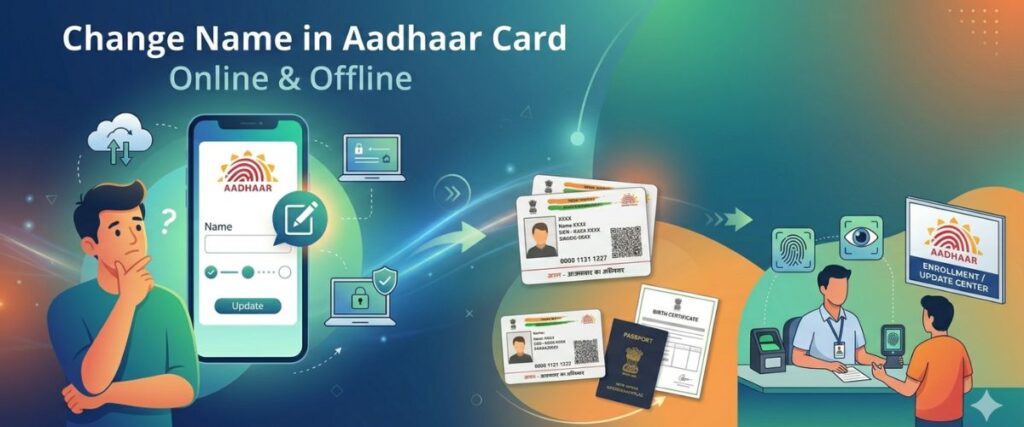
The UIDAI offers two convenient processes to update name in Aadhaar card: online and offline.

Method Suitability
Online Process Address updates and document uploads.
Offline Process Biometric updates, mobile number changes, and aadhar card name change.

Updating Personal Details

If you are looking to perform a name change in aadhar card, it is important to note that this specific update is currently restricted to the offline process. If a person wants to aadhar card name change, they must visit an Aadhaar Seva Kendra to complete the update through the official offline channel.

Process to Update Name in Aadhaar Card

Steps for Aadhaar Card Correction:

1

Find an Aadhaar Center: Visit your nearest Aadhaar Seva Kendra and fill out the Aadhaar Card Correction Form.

2

Attach Documents: Submit the form along with current Aadhaar Card or Name Change Gazette.

3

Perform Biometrics: Staff will enter your new name and take your biometrics (fingerprint/iris scan).

4

Pay Fee: Pay the fee for the process, which can range from 50 to 100 rupees.

Acknowledgement Slip: The staff will give you an Aadhaar Card Name Correction Slip, which has a number on it. This is used to check the status of your Aadhaar Card Name Correction process online.

Documents for Name Correction in Aadhaar Card

UIDAI accepts several documents for aadhar card name change:

Conclusion

The process of correcting your name on your Aadhaar card is quite simple. It's crucial to have all the necessary documents ready, the most important of which is the Gazette Notification for Name Change. This is a legal document that serves as proof of your name change once it is published.

Correct your name on your Aadhaar card today with the help of the Gazette. Contact us for any information regarding the Gazette Notification.

Need Expert Assistance with your Name Change?

CALL NOW

Frequently Asked Questions

1. How to change name in Aadhaar card online? +
You can initiate an aadhar name change online through the MyAadhaar portal (myaadhaar.uidai.gov.in). However, please note that online updates are typically restricted to minor name correction in aadhar or changes supported by a valid Proof of Identity (POI). For significant changes, you may need to visit an enrollment center.
2. What is the process for aadhar card name change after marriage? +
For an aadhaar name change after marriage, you need to upload or present a marriage certificate issued by the Registrar of Births and Deaths. You can apply for the name update in aadhar card via the portal or at an Aadhaar Seva Kendra.
3. How many times can I perform a name correction in aadhaar? +
UIDAI rules are quite strict regarding frequency. You can generally perform an aadhaar name correction only twice in a lifetime. If you need to exceed this limit, it requires a special exception process involving the Regional Office of UIDAI.
4. Is a gazette notification for name change in aadhar card mandatory? +
A gazette notification for name change in aadhar card is required if you are changing your name completely (not just a minor spelling fix) or if you don't have other standard documents like a passport or marriage certificate. The gazette name change document is considered a primary legal proof.
5. How to name change in aadhar card if I don't have a marriage certificate? +
If you lack a marriage certificate, you can use other documents for name change in aadhar, such as a Passport, PAN card, or a gazette name change certificate. You can also use a certificate of identity with a photo issued by a Gazetted Officer on a standard UIDAI format.
6. What are the charges for aadhar card name change online? +
The fee for an aadhar card name change or aadhaar name update is usually ₹50 for online requests and ₹100 if you are visiting an Aadhaar Enrolment Centre for biometric updates.
7. How long does it take for aadhar card name correction to reflect? +
Once you submit your request for how to change aadhar name, it usually takes 5 to 30 days for the update to be processed. You can track the status using the Update Request Number (URN) provided.
8. Can I change my name in Aadhaar without any documents? +
No, you cannot perform an aadhar name correction without valid supporting documents. UIDAI requires a Proof of Identity (POI) that clearly shows the new name you wish to update.
9. What should I do if my aadhar name change online request is rejected? +
If your aadhaar name update is rejected, check the rejection reason. It is often due to a mismatch between the uploaded document and the entered data, or poor scan quality. Ensure you are following the exact steps for how to change name in aadhar card online and re-upload clear, valid documents.
10. How to change name in aadhar card via an Enrollment Center? +
To perform an aadhar card name correction offline, book an appointment online, carry your original documents (like a gazette notification for name change in aadhar card), and visit the center. Your biometrics may be re-verified during this process.

ContactConnect Us

Get In Touch With Advocate Advice

Our Location

Jain Complex, Office No. 401, Plot No. 46-47, Gurudwara Road, Guru Angad Nagar West, Laxmi Nagar, Delhi-110092

Phone Number

+91 8882690085
+91 8595590085

Email Us

advocateadvice75@gmail.com

Working Hours

10:00 AM - 7:00 PM

Call Us